
Searching the Piedmont Court Docket
Read the whole notice first. Write down the court name, the citation or case number, the party name, the filing date, and the office that issued it. A Piedmont street address alone will not tell you who keeps the record. When the notice points to a city process, ask the Piedmont city clerk. When it names Mineral Magistrate Court, use MCRSearch. For public Circuit records, turn to WVPASS or the Circuit Clerk.
- Identify the court printed on the Piedmont notice.
- Ask the Piedmont clerk to route a local ordinance record.
- Search MCRSearch by exact case number or name for Magistrate matters.
- Use WVPASS for eligible public Circuit documents.
- Confirm the current setting and copy method with the custodian.
MCRSearch gives case information rather than document images. It also caps how many results you get. WVPASS reaches eligible public Circuit documents from 1999 forward. If nothing matches, the cause could be spelling, timing, the wrong court, or an access restriction. Phone, mail, public-terminal, and counter routes still matter for a Mineral County docket lookup.
Piedmont City Clerk Record Route
The official Piedmont agencies page names the city clerk as a municipal contact. That makes the clerk a sensible first routing call for a local ordinance matter. It does not mean the clerk runs a public court portal, or that every record touching Piedmont is municipal.
When you call, ask who keeps the exact Piedmont record, whether a docket entry exists, and how to request copies. State matters belong with the proper state clerk. The Magistrate Court Clerk sits at 105 West Street in Keyser and answers at 304-788-2625. The Circuit Clerk, at 150 Armstrong Street, answers at 304-788-1562. A mailed request should list the court, the number, the names, the document wanted, the date range, your preferred format, and a way to reach you.
Piedmont Municipal Court Basics
West Virginia law lets cities create municipal courts. It lets them share traffic authority and allows several payment forms. None of that proves Piedmont keeps a municipal court, a judge, a calendar, a citation format, or online payment today. The city posts no public Piedmont municipal docket or payment portal. Use the citation and the city office to learn the actual process. Never send money based on general law alone. Ask the named office for the amount, the due date, the accepted method, and a receipt. A municipal judgment recorded later as a lien can create a County Clerk record under §8-11-1. The underlying Piedmont ordinance matter stays a municipal question.
Piedmont Court Docket Office
The official Piedmont contact page shows 52 Second Street, Piedmont, WV 26750, telephone and fax 304-355-2621, and email at office@cityofpiedmont.org. The elected-officials page lists weekday city-office hours of 9 a.m. to 4 p.m. Those hours describe the city office, not the Mineral court counters in Keyser.
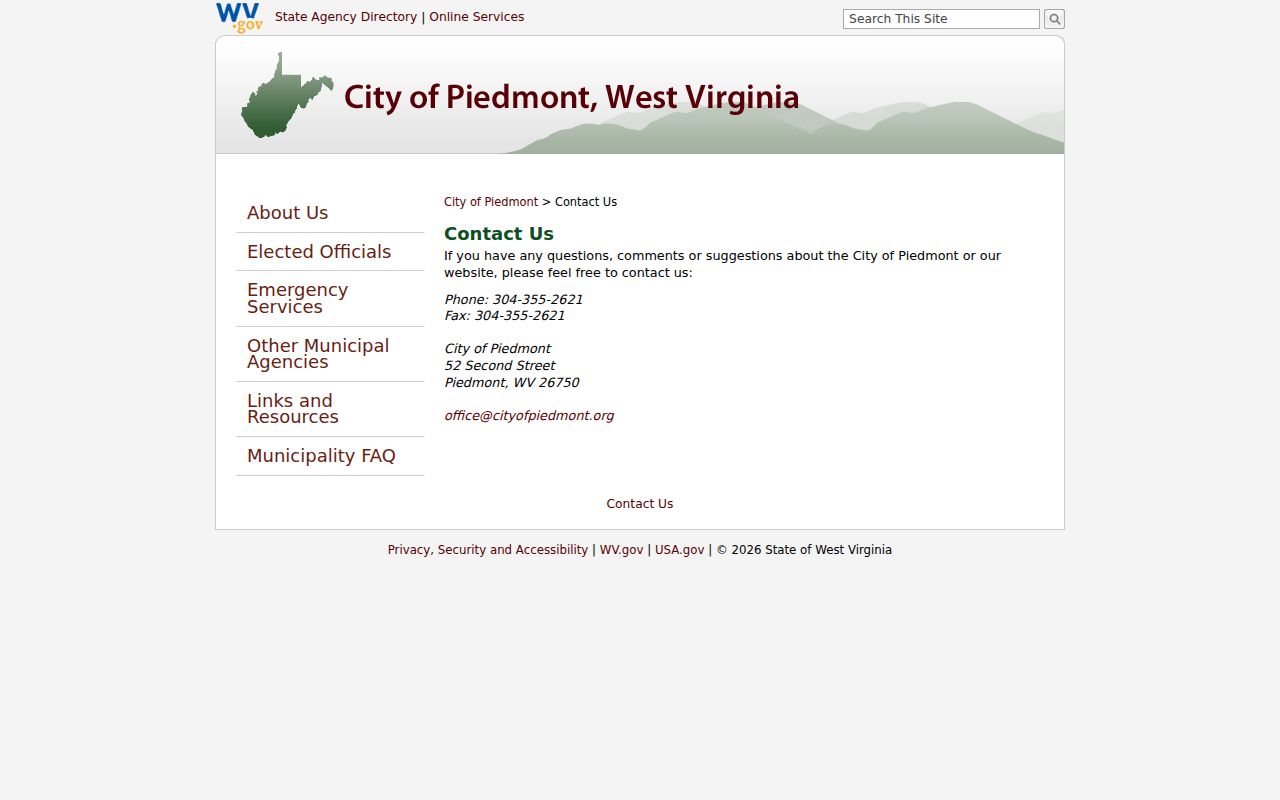
That official page gives a city contact route rather than a search interface. So a Piedmont docket inquiry should name the office that issued the record and the type of record you need. Call before you visit, especially if the notice may point to a state court in Keyser.
Court Dates and Settings in Piedmont
Piedmont publishes no public daily calendar. Mineral County posts no public daily trial calendar either. Check the latest official entry, then call the office that holds the case. A reset only moves a scheduled event; it does not dismiss the matter. The statewide closure page covers court operations. It will not confirm any single Piedmont hearing.
| Date | The latest scheduled day on the notice or docket. |
|---|---|
| Time | The listed hearing or docket-call time. |
| Location | The Piedmont office or Keyser court building named. |
| Officer | The judge or magistrate assigned in the record. |
| Setting | Arraignment, pretrial, hearing, trial, or compliance event. |
Bring the full case number when you ask about a Piedmont court date. Online payment status is not a calendar. If the date has passed or two sources disagree, contact the named court right away.
Piedmont Docket Custody Split
Piedmont ordinance records and state court records sit with different keepers. The Piedmont city clerk routes local-government material. The Magistrate Clerk keeps Piedmont Magistrate citations and cases. The Circuit Clerk holds Piedmont Circuit pleadings and related files. The County Clerk handles recorded instruments, probate, wills, estates, and recorded liens rather than trial-court pleadings.
That split matters when a Piedmont case moves through several stages. A matter may start as an underlying municipal record. Then a recorded judgment transcript shows up in the County Clerk index. Those are not duplicate dockets. Ask the origin office for the Piedmont source document. Go to the County Clerk for the recorded instrument only when the facts support that second record.
A docket sheet is also not the full case file. The docket lists events. A pleading, citation, order, or judgment is a document tied to one of those events. MCRSearch may identify a Piedmont Magistrate event without showing the image. WVPASS covers only eligible public Circuit material. When an image is missing, give the right clerk the Piedmont party name, the court, the number, and the docket date. Then request the specific document. That focused ask works far better than requesting every page of a file sight unseen.
Traffic Tickets in Piedmont
Read every Piedmont ticket before you act on it. The court named there decides what comes next. A state Magistrate citation goes through MCRSearch, while fine payments run through a separate system that takes a Citation ID, Case ID, or Payment Plan ID. That system adds a $2 payment fee and does not handle restitution. It also will not search dockets by name.
Piedmont runs no municipal payment portal. To settle or question a city notice, call the office printed on it or ask the Piedmont clerk. Payment and contesting are two different procedures. Keep the receipt and confirm it posted. For a citation that belongs to state court, the Mineral County traffic ticket route walks through the countywide steps.
Piedmont Docket History Context
Piedmont sits at the foot of the Allegheny Front. The city's own history ties its growth to the Baltimore and Ohio Railroad's seventeen-mile grade. Chartered in 1856, it holds local elections every two years by one account. None of that tells you how its court docket works today. History is color, not practice.
A Census count measures people, not caseload, and it is no 2026 estimate either. An old founding date says nothing about electronic court records. For older Piedmont records, ask the office that holds them directly instead of relying on an online docket search.
Where Piedmont Cases Go
A Piedmont ordinance matter may go through a municipal process, if the city runs one. State misdemeanors and preliminary felony work belong to Magistrate Court. So do state traffic citations and limited civil claims. Circuit Court is the general-jurisdiction trial court. Family matters go to Family Court, which adds privacy rules of its own.
Docket flow: Piedmont Municipal Court › Mineral County Courts › Circuit Court of Mineral County, West Virginia
These are possible levels, not a required path. Always search the court that opened the case first, since an appeal, transfer, or recorded judgment can leave a second record behind. The Mineral County case lookup sorts out state routing, while Piedmont ordinance questions stay with the city.
Piedmont Court Record Source Proof
Piedmont's official home page and its elected-officials page document the mayor-council form of city government. Neither page offers court search fields, a judge, or any hearing calendar. They cover contact routing and municipal structure, nothing more.
That city source supports contact routing only, and the elected-officials page helps confirm how municipal offices are reached.
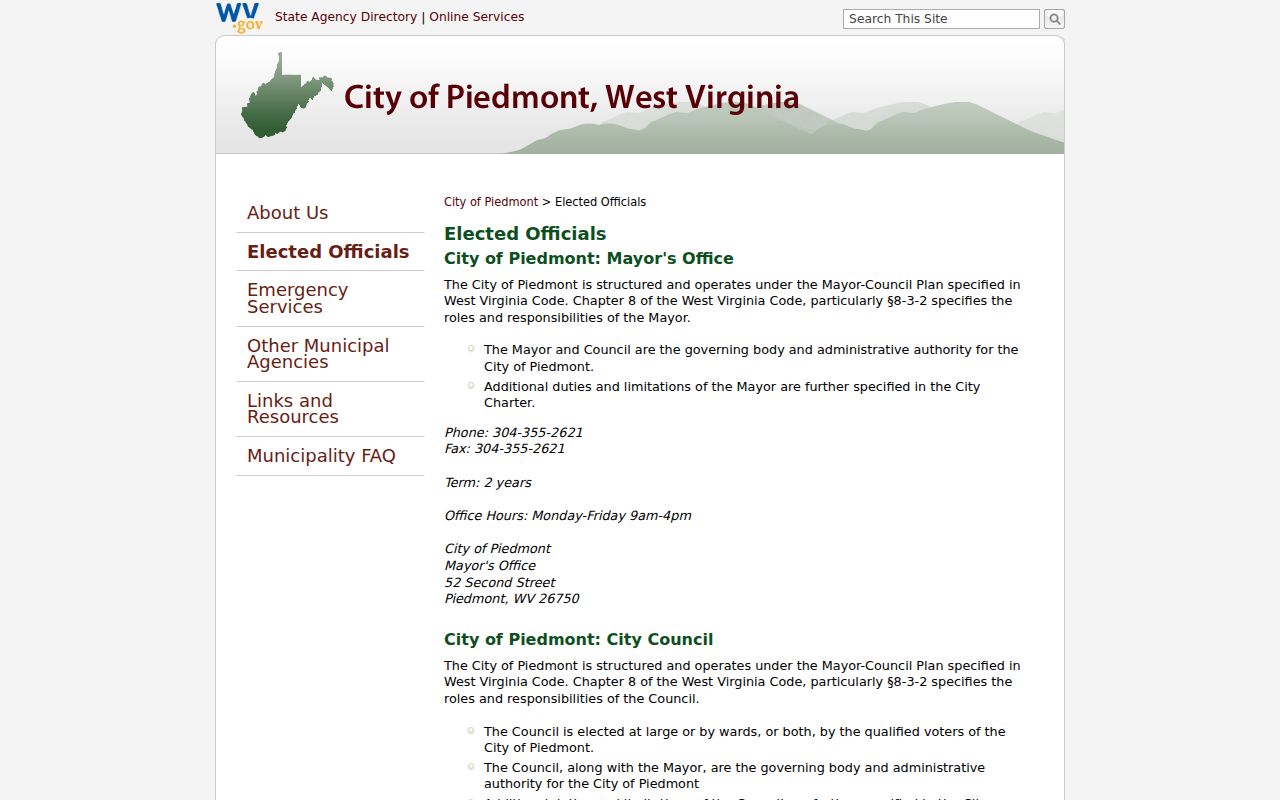
These pages do not prove that a Piedmont municipal court exists, and the city offers no portal. For state court records, move on to MCRSearch, WVPASS, or the named Keyser clerk.
Piedmont Court Record Access Rules
West Virginia generally lets the public inspect and copy court papers, within statutory and rule-based limits. Sealed matters, juvenile proceedings, personal identifiers, and confidential Family Court pleadings may be missing or redacted. An index is not the full case file.
Key rules:
Code §51-4-2 provides court-paper inspection and copies unless another law applies.
Code §29B-1-3 sets a formal public-record request framework.
Code §8-10-2 enables municipal courts but does not prove a Piedmont portal.
Ask for whatever portion of a Piedmont record is accessible. Give the clerk enough detail to find it, and get a current fee quote before you send money.
Piedmont Docket Request Check
Online, telephone, mail, counter, and public-terminal access each solve a different problem. WVPASS carries covered public Piedmont Circuit documents. MCRSearch holds Magistrate index data, and clerks handle copies or confirmation. The state E-File system serves registered filers, not the general public searching a Piedmont docket.
A good request names Piedmont and the actual court. It also names the case number, the parties, the dates, and the exact document wanted. Say whether the copy must be certified. Circuit and Magistrate fees differ. The city posts no fee schedule. This custody check matters. A Piedmont ordinance request sent to a state clerk, or a state citation sent to City Hall, goes nowhere.
Older Piedmont records may need their own path. WVPASS reaches back only to 1999. That gap does not mean earlier court papers were destroyed. Give the clerk an approximate date and describe the event being traced. Paper or archived holdings can then be checked. A current hearing is different, demanding the newest notice and a live confirmation from the clerk. History and same-day calendar checks are separate tasks. Both may start with the same Piedmont party name. Settle the source and time period first, then let the search begin.