
Mineral County Court Calendars Explained
Mineral County posts no public daily trial calendar. That holds for Circuit, Family, and Magistrate Court alike. A live hearing has to be tracked another way: through the filed notice, WVPASS or MCRSearch when available, and the clerk or court named on the paper. The state appellate docket looks tempting. But it is not a Mineral County trial calendar. Local details may be organized by court, judge, day, and event type, with no fixed layout or refresh cycle. The clerk can confirm whether the place and time still stand, and counsel can confirm a setting for a represented party.
Mineral Calendar Portal Gap
WVPASS carries public Circuit documents. MCRSearch carries Magistrate case information. Neither one is a day-by-day Mineral County court calendar, and Family Court confidentiality rules limit public detail even further. When a system will not load or looks stale, call the clerk. Circuit Court answers at 304-788-1562, and Magistrate Court at 304-788-2625. A public terminal, the clerk counter, or a mailed inquiry can also work. State the court and case number. Avoid sending extra sensitive identifiers.
Finding Your Court Date
Keep the notice or citation close. It names the court and usually carries the best case number. Use the right tool next. WVPASS serves public Circuit documents, MCRSearch serves Magistrate information, and any name result should be matched against the court, the filing date, and the facts you already know are public.
- Read the filed notice, citation, order, or counsel's message.
- Identify Circuit, Family, Magistrate, or municipal court.
- Check WVPASS or MCRSearch if it covers the case.
- Call or visit the correct clerk with the exact case number.
- Review any court posting made available that day.
- Confirm the date, time, building, room, and event before travel.
Three Mineral Court Locations
Mineral County runs its courts from three locations. Circuit Court and its clerk are at 150 Armstrong, P.O. Box 150, Keyser, WV 26726. The Family Court Judicial Annex is at 107 West Street. Magistrate Court is at 105 West Street. A calendar entry that lists only Keyser is not precise enough for travel.
Circuit Court
150 Armstrong
304-788-1562
Family Court Annex
107 West Street
681-266-8059 or 304-788-0028
Magistrate Court
105 West Street
304-788-2625
Call ahead about parking, transit, screening, hours, and access.
How to Read a Court Setting
Read a court setting as a set of fields. Confirm the court that issued it. Check whether the place named is the courthouse, the Annex, or Magistrate Court, since filing times, deadlines, and hearing times can sit close together on the page while meaning very different things.
| Date | The scheduled day checked against the latest notice. |
|---|---|
| Time | The stated start or docket-call time. |
| Location | The exact building and room when supplied. |
| Judge or court | The judicial officer or court level. |
| Setting type | Appearance, pretrial event, motion hearing, trial, or another named event. |
Mineral Court Closure Checks
The official closures tool filters by County and Status. A chief circuit judge may declare an emergency day and extend deadlines. The status changes live. A closure does not supply the new hearing date. Keep the prior notice, check the live tool, and call the clerk rather than assuming the matter moves to the next workday.
Continuances, Resets, and Cancellations
A continuance moves an event. A reset supplies the new setting itself. A cancellation removes the event but does not by itself dismiss the case. Look for the paper trail. An order, an updated notice, or a later docket entry shows which event occurred. WVPASS and MCRSearch show different levels of detail, so confirm the new date, time, place, and event type with the Mineral County office that owns the case.
Mineral Appellate Calendar Example
The Supreme Court of Appeals docket lists date, time, case number, style, argument type, briefs or orders, and status. Those rows are appellate matters. They are not Mineral County trial settings. The official Supreme Court calendar page shows those fields in practice:
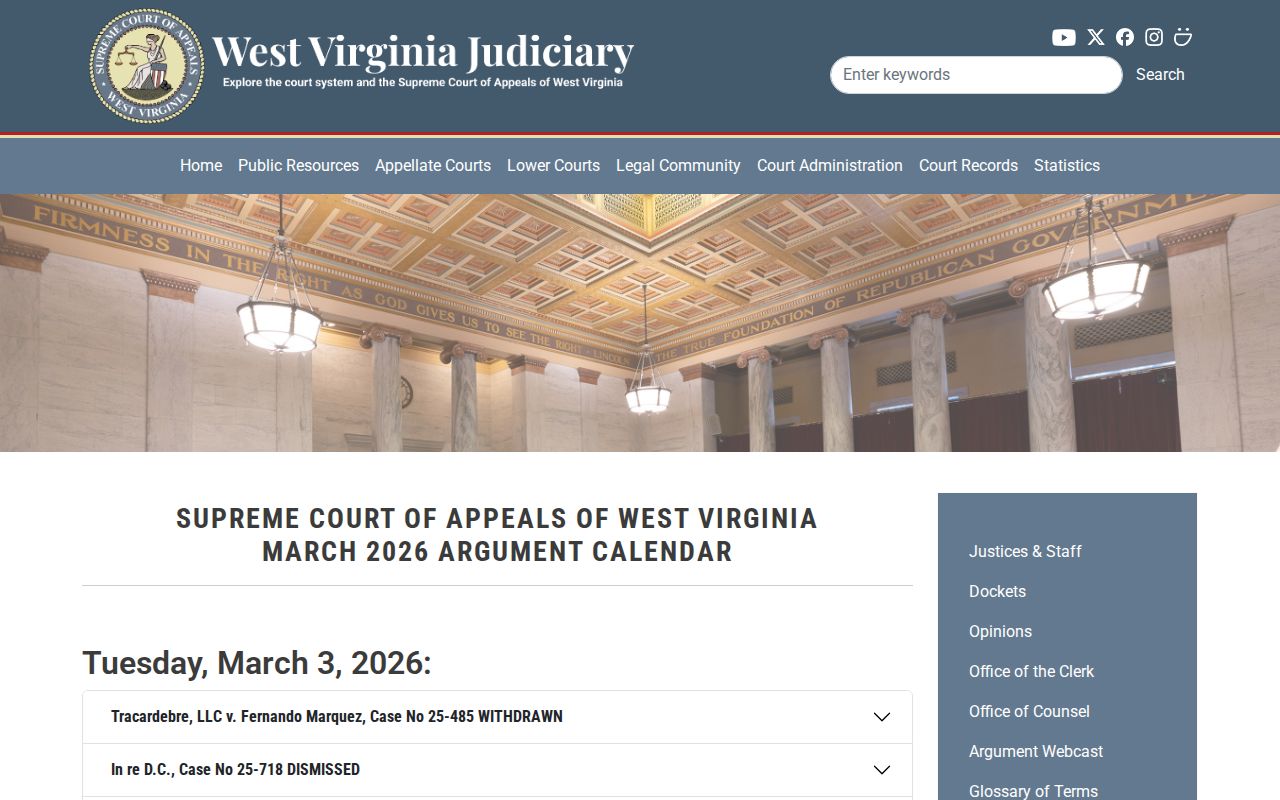
Write down the court level and source date. Without them, an appellate row can pass for a local Mineral County setting.
If You Miss a Court Setting
Call the clerk at once. Give the case number. Ask what the docket shows, whether an order issued, and what the court requires next, and contact counsel as well if you are represented. Never assume the date resets on its own.
Missed a Setting? Failure to appear can prompt court action, with effects based on the court and case.
Call the Mineral County clerk or your lawyer promptly instead of waiting for an online update.
Seek legal advice before appearing if a warrant or other order may have issued.
Mineral Calendar Data Limits
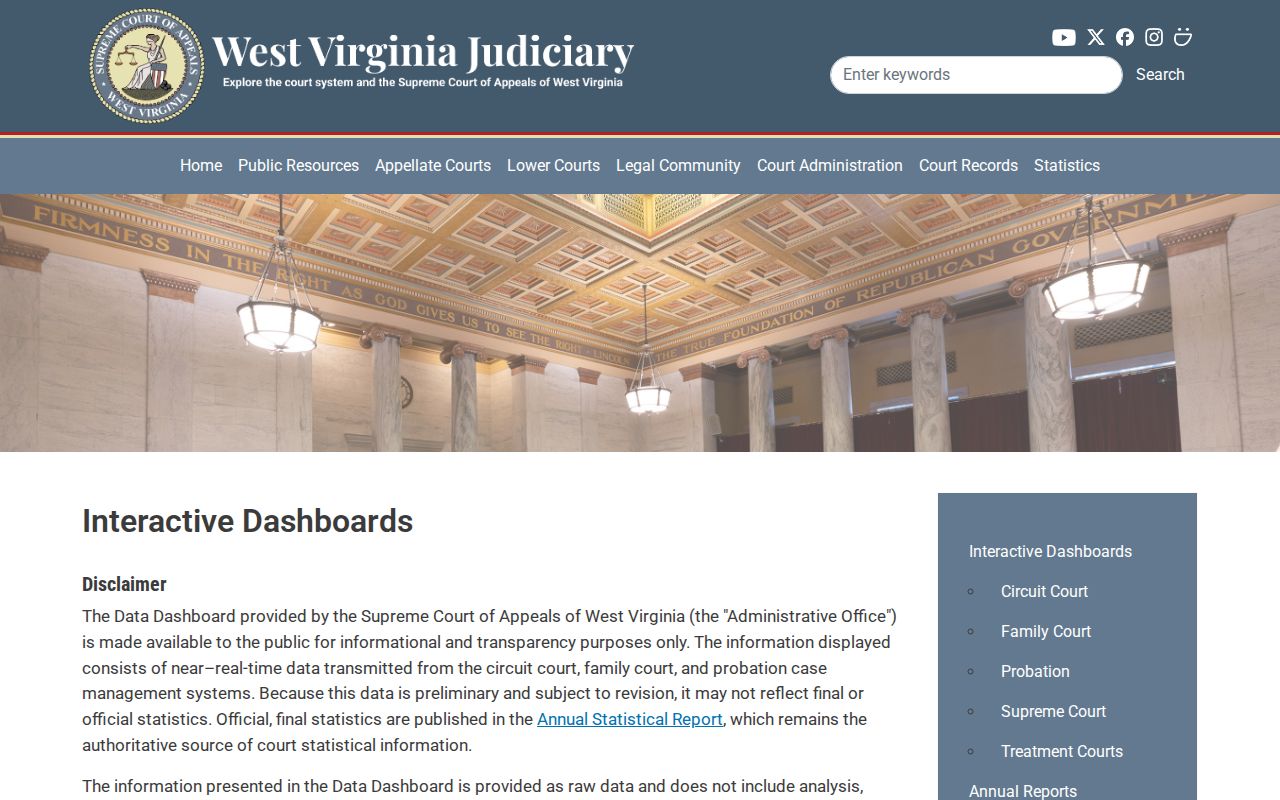
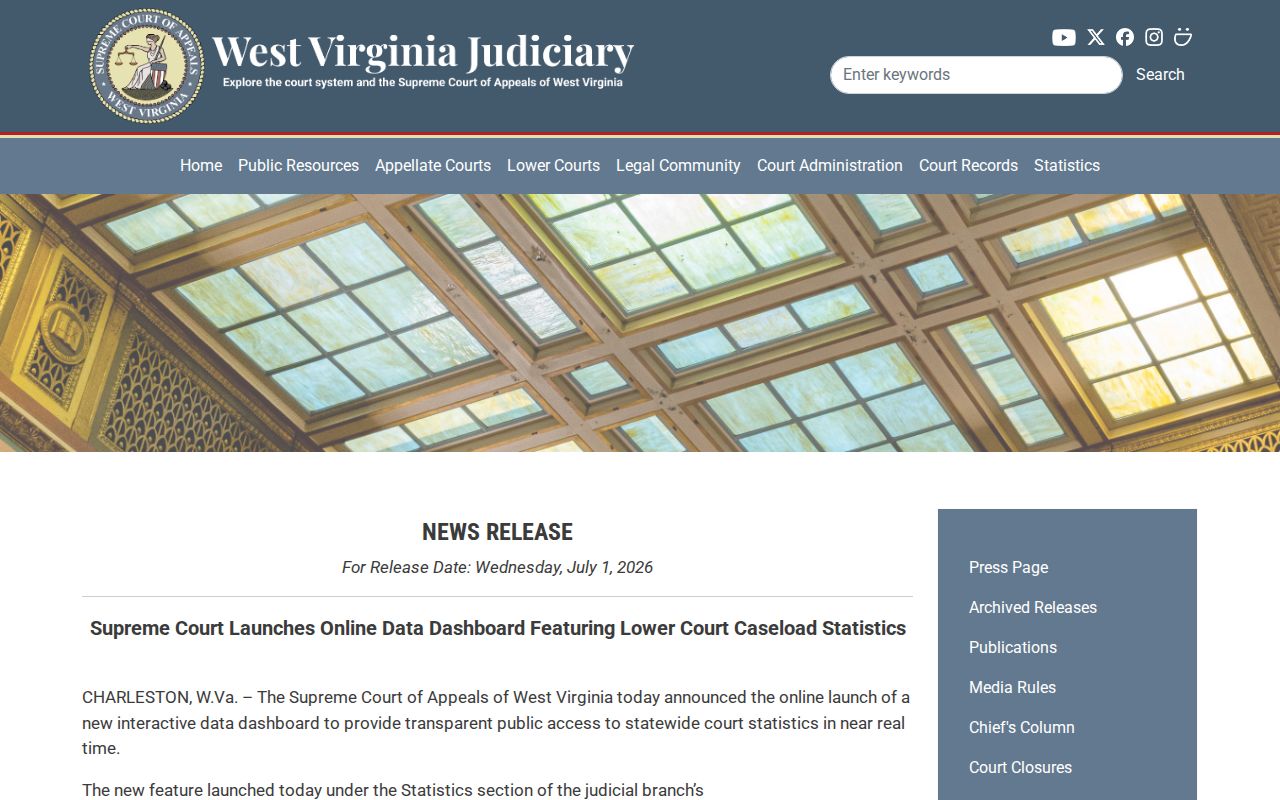
West Virginia rolled out public court-data dashboards in July 2026. They offer preliminary county and judge views and are described as refreshing daily. They are workload tools, though, not personal hearing calendars. A chart can show a county workload signal. It cannot say whether a motion was continued, a party received notice, or a judge changed one case's setting. The official dashboard page itself gives that context:
The launch notice explains the daily refresh:
Aggregate figures cannot confirm a named party's Mineral County court date. Use the notice, docket entry, and clerk. Note the time of your check. A later order can replace the information you saw. Privacy limits shape the public calendar too. Family Court Rule 6 keeps underlying pleadings, exhibits, recordings, and transcripts confidential. Orders and indices stay public. Juvenile proceedings are nonpublic under the state rules. A short or absent listing may reflect a lawful access limit rather than a missed data feed. Do not try to work around it by searching for protected personal details.
Mineral Hearing Day Checks
Check the newest written notice against the latest public docket entry before leaving. Dates move. If the notice and the docket disagree on the date, the place, or the type of proceeding, call the office that owns the case. Bring the case number. Ask whether the setting is in person and which building applies. The county publishes no confirmed remote-hearing procedure, so never assume a phone or video option exists.
Court access is not permission to record. Family Court Rule 7 requires permission first. Trial and Magistrate settings also depend on court authorization. Ask the judge or clerk before using a phone, camera, or audio device. Even a public order can include protected facts that should not be republished.
Worried about weather? Check the live closure tool again on hearing day. Then call the clerk for a case-specific answer. The chief judge's emergency action may affect court operations and filing deadlines, yet only the court can state how a particular Mineral County setting will be handled. Keep the clerk's instructions with the notice, and note when the call occurred.
Mineral Court Date Sources
Start with the filed notice or scheduling order. It ties the date to a court and a case number, which no search result can match. Read the whole document. A response deadline, a conference time, a trial date, and a filing timestamp can all sit on the same page. Note the setting type along with the time. When a later order conflicts with an earlier notice, call the clerk or your lawyer instead of picking the date that looks convenient.
WVPASS is the online route to public Circuit Court documents. A recent order or notice there may carry a Mineral County court date. Coverage is uneven, though. Regular users register without a fee. Pages cost 25 cents each, plus a nominal card charge. Sealed and juvenile files are excluded. If the notice you need is missing, the Circuit Clerk can check the official file.
Magistrate cases go through MCRSearch instead. Search by first name, last name, or case number. The tool returns up to 30 results. It may list a filed date, a charge, a disposition, and a document list, but no images. Use an exact case number when you can. Then ask the Magistrate Court Clerk for the current appearance date and the paper that sets it. The live system's own disclaimer warns that entries may be incomplete or inaccurate.
Public terminals and the clerk counter add more options. Call ahead before traveling. Hours and access rules shift. For a mailed inquiry, name the court, county, case number, party, and the setting being checked. A phone call is often the fastest fix for a date that is close. A represented party should also call counsel, who may hold an electronic notice public access has not shown.
Family Court takes more care. Mineral sits in the Twenty-Third Family Court Circuit with Hampshire and Morgan Counties. Orders and indices are public. Family Court Rule 6 keeps the pleadings, exhibits, recordings, transcripts, and other underlying materials confidential. A public order can hold the setting you need without opening the whole file. Ask the Circuit Clerk about routing. Skip protected details you do not need for the hearing.
Municipal matters follow a different path. State law allows a municipal court only where a municipality creates one. No official public municipal docket or payment portal serves Keyser, Carpendale, Piedmont, Ridgeley, or Elk Garden. Read the citation itself. It may name a city process or the Mineral County Magistrate Court. A state Magistrate citation belongs with MCRSearch and the Keyser Magistrate clerk, not a presumed city docket.
The Magistrate payment system is not a calendar search. It takes exact citation, case, or payment-plan identifiers for eligible assessed amounts. It will not search by name. It will not list future settings either. Paying an eligible amount proves nothing about a missed appearance, a court disposition, or a separate state record. Keep the receipt. Ask the clerk what the docket shows now.
When you call to confirm, ask direct questions: whether the case is still set, the date and time, the building and room, the type of proceeding, whether a continuance order has been entered, and whether any document should be brought. Write the answers down. The clerk can give record and calendar information. Clerks cannot give legal advice. Questions of strategy, legal consequences, and steps a party must take before court belong with counsel.
Keep a short note of each source and the time you checked it. Court settings change. A screen with no date attached means little later. If the online entry and the clerk's statement disagree, ask whether a newer order controls and request the public copy when available. This habit beats trusting one search result as a permanent calendar.